Single pixels
Individual pixels of white, red, green, blue, yellow, cyan/aqua, magenta/fuchsia
on a field of black in an uncompressed PNG file.
Use a jeweler's loupe to resolve the R G B components of the pixel triad of your monitor.
Set screen resolution to native resolution mode to avoid interpolation effects.
Ensure image is at its actual native size of 218x130.

"Blow-up" of the image's colored pixels:
what you see thru the loupe.
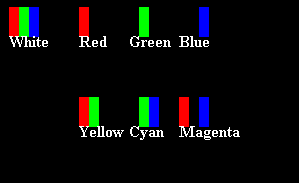
Each pixel is a "triad" of three R G B components (subpixels),
roughly corresponding to the long (reddish), medium (greenish), and short (bluish)
wavelength cone receptor cells (6M of them vs 92M rod cells) of our primate's trichromatic eye.
The subpixels are too small to be seen (resolved) by human eye (acuity of ~1 arcminute).
Each component is represented by one byte (8 bits) indicating the intensity/brightness
of that color (0 is off, 255 is full intensity).
Each pixel is three bytes (24 bits), so it can be any one of 224 = 16M colors.
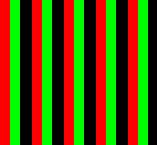
There is no yellow light here:

The screen is emitting only red and green light at each pixel.
Your brain, i.e. your mind, is creating the "yellow".
5x5 pixels blown up:
Computer screen is typically one of these (or larger):
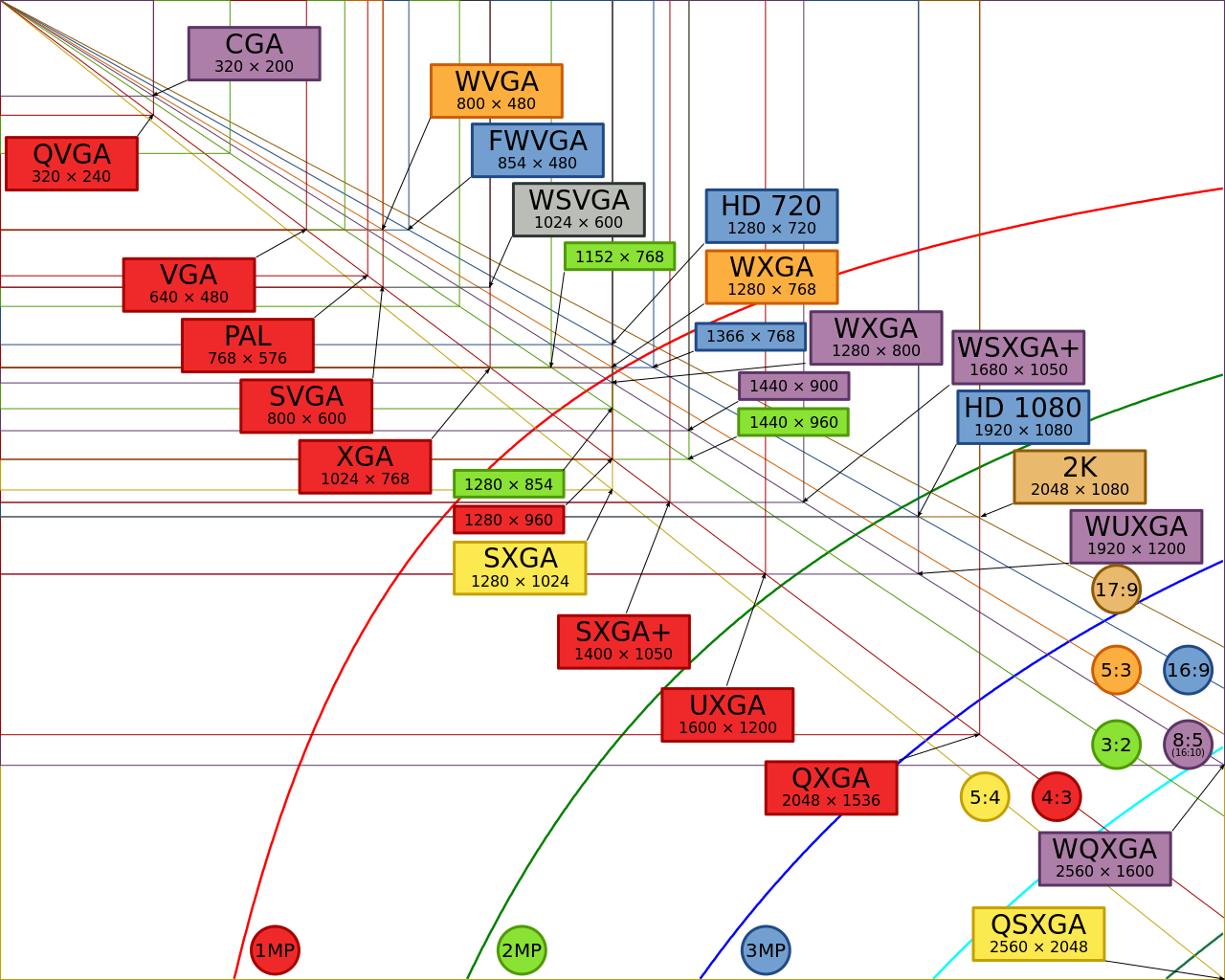
number of pixels = width×height
aspect ratio = width:height = width÷height:1
wikipedia:
Display resolution has diagram
100x100 white and black pixels:

1 bit per pixel JPEG format
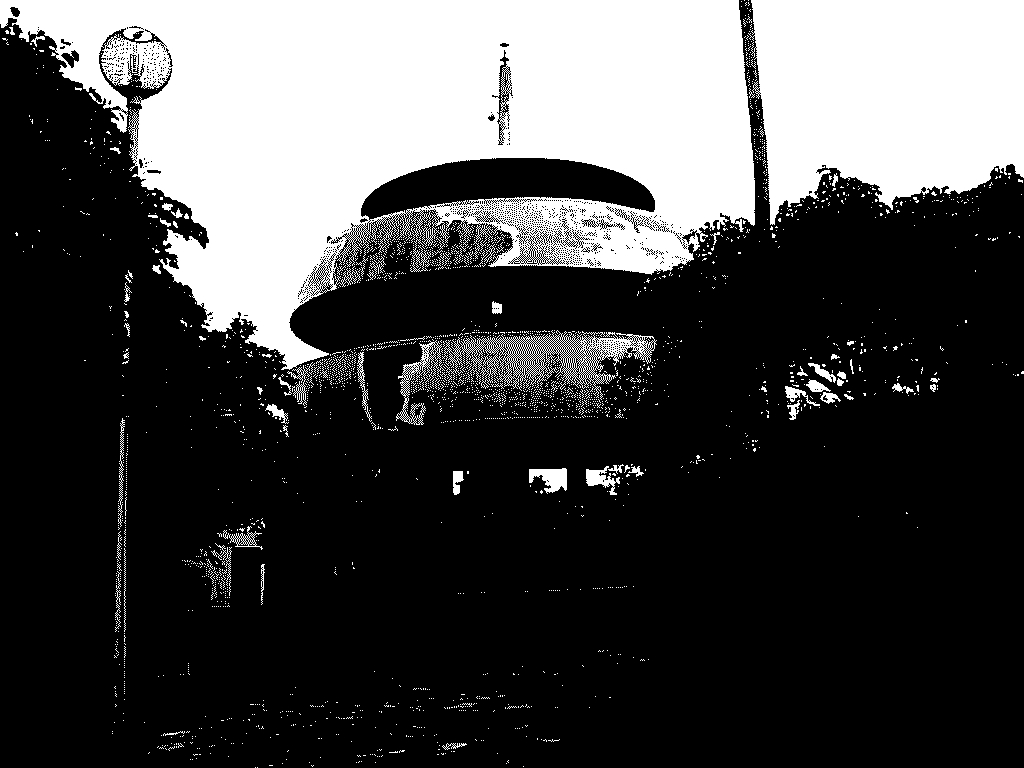
164 KB